
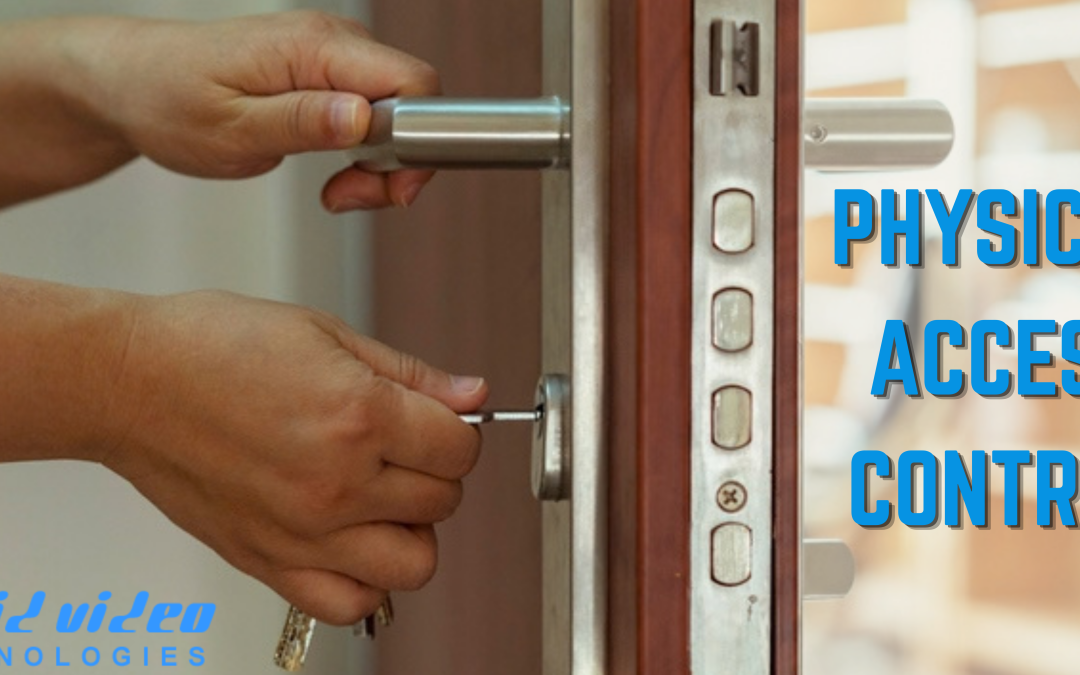
If your business is looking for security systems for your property, odds are you’ve encountered the term “access control” as a method of increasing security for your business. Access control takes a security system from simply monitoring a property to controlling entry and exit from it. If you are considering access control to protect your properties, you are on the path to greater security. Read on to learn more advantages of physical access control for your property.
What is Access Control?
Access control is any security measure that controls what individuals are granted access to a property, area, or interface. All access control requires that a user be able to authenticate their identity and then authorizes entry based on prior permissions set. Effective access control also involves audit and monitoring, in which user activity is recorded and frequently looked over by authorities.
Logical vs. Physical Access Control
There are two types of Access Control: logical and physical. Logical provides cybersecurity by protecting access to digital systems. Physical access control protects access to physical locations and facilities, and is the topic of this blog.
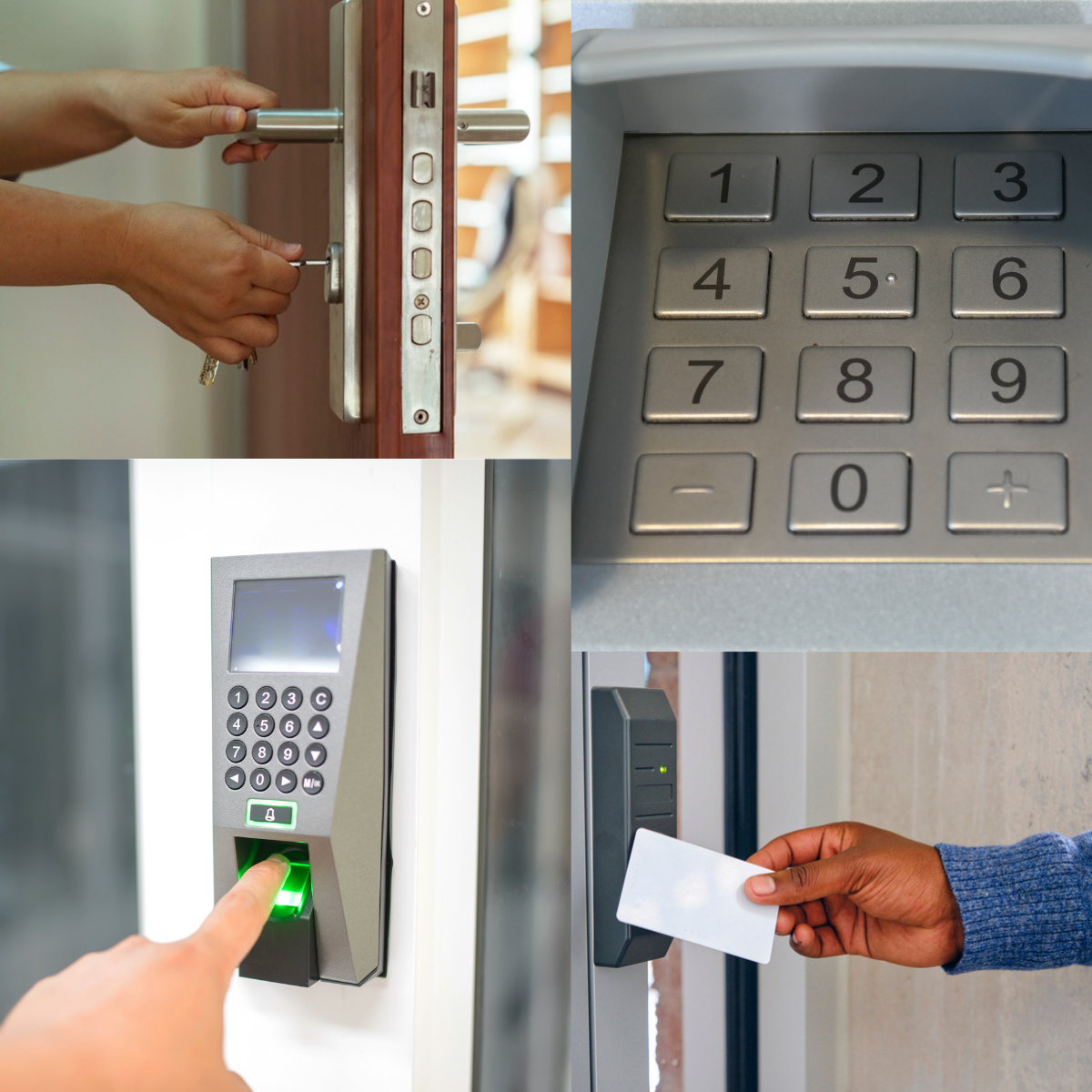
Physical access control uses methods such as a lock and key, keycard or fob scanner, or a gate with a code. These systems all create some type of barrier to entry, but some are more complex than another. Deciding which is right for your business can become challenging.
Access Control Models
There are five models of access control that determine . You will not just have to select a model; you will also have to decide which mechanisms to employ to set up the model. However, you first have to decide which model is proper for you.
Discretionary Access Control
Discretionary access control allows multiple administrators to control access to the property. This means multiple people or entities can grant or revoke access/entry to users. For example, some digital interfaces such as OneDrive allow the creator of a document to control who has access to it. This gives all users some form of control over who has access to certain things.
While this mode is more simplified, organizations will have a more difficult time tracking the permissions each user has. Discretionary access control requires administrators to communicate with each other over which users should be granted access to certain interfaces, data, or areas to ensure that it is granted properly across the organization.
Mandatory Access Control
Opposite to discretionary access control, mandatory access control employs only one system administrator who is the sole granter of access. Users have no control over changing access themselves. Often, mandatory access control is used by businesses who need strict security and confidentiality over their facilities or interfaces–for example, government agencies.
Role-Based Access Control
Role-based access control requires the creation of roles, each of which is granted different, pre-set permissions based on their responsibilities. For example, businesses may assign the HR role different permissions than a role in Sales. Employees are then labeled with their role when onboarded and automatically granted the pre-set access assigned to their role. This simplifies the process of onboarding and offboarding because each role’s permissions are already set. Instead of configuring permissions for every new employee, the administrator can simply assign them to their incoming role and all the correct permissions are automatically granted.
For example, in a residential rental in which tenants are moving in and out frequently, changing the tenant’s role is much more simplified than assigning unique permissions to every single tenant that moves in, or removing every single permission granted from each tenant that moves out.
If not managed well, role-based access control can eventually lead to role explosion if the number of roles is expanded too much. However, it is usually the best choice for most residential and standard properties due to its ability to scale up and the ease of onboarding and offboarding.
Rule-Based Access Control
Rule-Based access control takes role-based access control to the next level. Rather than just authenticating a user’s role to determine access, rule-based access control allows regulation of other attributes, such as controlling what times during the day users are allowed to access a certain area. For example, in an apartment complex, this could be used to limit tenants’ access to amenities after hours. In a high-security scenario, rule-based access control can be used to automatically limit access to high confidentiality areas when a breach in a different area is detected. However, because there are more variables involved in the authorization process, this type of access control is more difficult to configure.
Attribute-Based Access Control
Attribute-based access control evaluates multiple criteria to decide how to give access. Rather than blanket access being granted to a certain role, attribute-based evaluates a few more factors once a user has authenticated themselves before granting access. For example, attribute-based access control also considers the status of the specific file, interface, or area users are attempting to access. This can become a bit more complicated than rule-based access control, but also allows for very specific control over which individuals can access which areas or data at any given time.
Physical Access Control Mechanisms
After you have selected a model of setting up your physical access control, you will have to decide what mechanism to use. The mechanism is the method by which your users will authenticate their identities to your system. Here are a few common mechanisms, from simplest to most complex:
Lock & Key: An analogue lock will be installed on the door that can only be opened by users who have a certain key. This mechanism is simple because it technically does not require users to prove their identity; anyone with the key can use it. While effective, the lack of tracing on an analogue key makes it more difficult to monitor who is entering and exiting the premises.
Scanners with Keycards or Fobs: This mechanism is a step up from the lock and key as each user will have a keycard or fob that is associated with their identity. They are then authorized access separately. The scanner still allows anyone with an authorized key to enter, but allows more monitoring based on whose keycard or fob was used to open the door. This provides a bit more security against internal attacks, although a keycard could still be stolen by an outsider and used to gain entry.
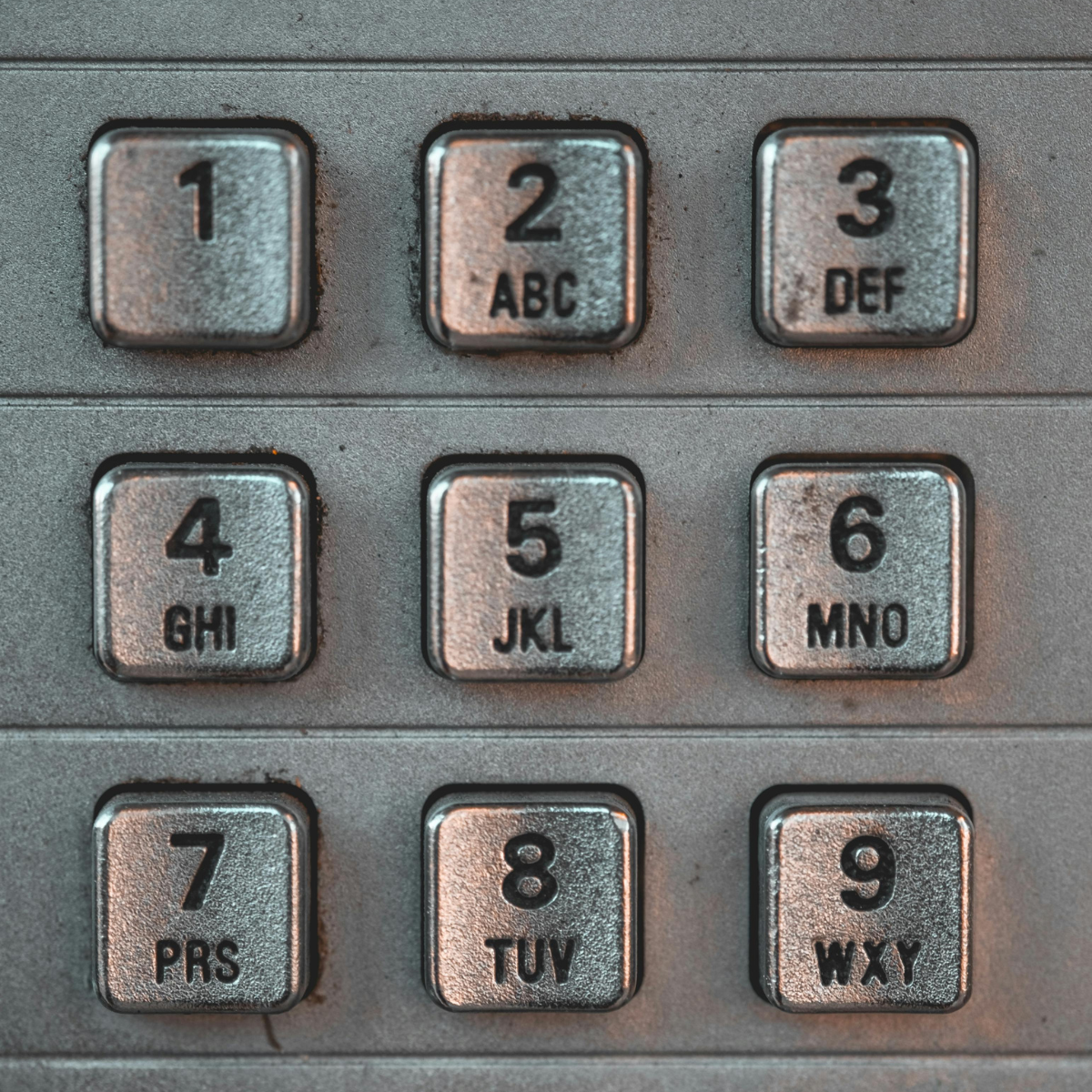
Keypad with Pre-Programmed Code: This mechanism adds another layer of protection from the keycard/fob scanners as it eliminates the physical item that could potentially be stolen by replacing the key with a code. Monitoring is accomplished by assigning different users their own unique codes.
Biometric Scanners such as Finger Prints, Retinal Scan, or other: These mechanisms are far more complex, but reduce the odds of an employee being impersonated even less than the pre-programmed keypad code. Because the employee uses their own physical attributes to authenticate themselves, this removes the possibility of the key being stolen or a code being shared with bad actors. An employee would have to be completely compromised in order for someone to use their authentication to gain access to a facility.
So, what method of physical access control should I use?
Depending on the level of security you want, you will have to determine which model and mechanism will be most effective for your business. For example, a government facility with top secret information will be more likely to employ Mandatory access control using a complex mechanism such as biometrics to provide a high level of security. Or, a business that has numerous employees that need access to a building may employ a simpler mechanism such as a keycard, which will allow monitoring without becoming too complex to program. If you are a rental facility, you may use role-based access control to quickly assign new tenants access to amenities, and revoke access from those who move out quickly. Using a scanner, each resident could have a keycard or fob that grants access; in a gated community, each resident would be assigned their own code to the gate.
These models and mechanisms of physical access control can also be used in tandem with one another or integrated with other security measures such as cameras, license plate scanners, or a security guard. For example, placing cameras at the entrance to a door that employs the lock and key mechanism allows for monitoring entry and exit without upgrading the physical access control to a more complex or difficult to install mechanism. Placing security guards at the entrances to your facility can help prevent bad actors from even reaching the door, even if they have already stolen a keycard that would let them enter the facility.
Hopefully, the information above has helped you understand physical access control and its usefulness more thoroughly. There are plenty of options to ensure that your business is safe and secure: it is up to you to decide which mechanism is the most worth investing in and how much time you want to spend configuring the access control model.
However, we know it can still be overwhelming to determine what model and mechanism will be most effective for your business. Liquid Video Technologies installs physical access control systems for residential, commercial, and rental properties and has experience working with clients to find the best solution for them. If you are interested in a discussion on how physical access control could benefit your business without breaking the bank, contact us for a consultation today.
Recent Comments